See It in Action
Full workflow — authentication, script selection, device selection, and execution.
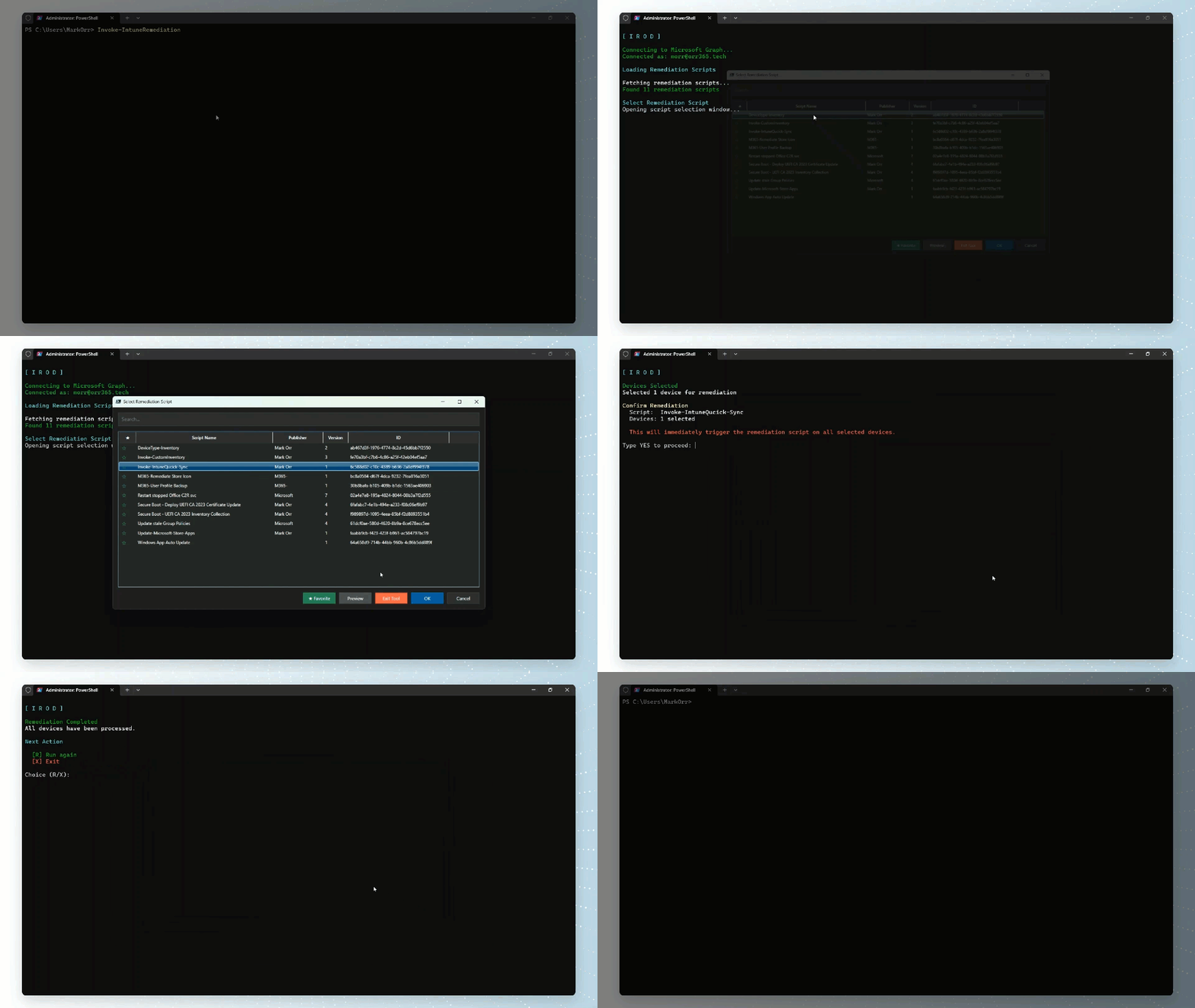
Intune Proactive Remediations on demand.
Single device or multi-device — WPF GUI, real-time progress, least-privileged Graph permissions.
v1.0.4 · PowerShell 7.0+Everything you need to run Intune remediations without waiting.
Trigger Intune Proactive Remediation scripts instantly on any device, without waiting for the next scheduled sync window.
Select multiple devices through a modern dark-themed WPF interface with pagination (50 per page), live search, and checkbox selection.
Watch remediation status update live across all selected devices in a dedicated progress tracking window during batch operations.
Connects to Microsoft Graph using only the minimum required delegated permissions — nothing more than what the job needs.
Automatically initiates a device sync after triggering remediation to ensure the device checks in with Intune promptly.
Checks for required PowerShell modules on first run and installs them automatically — no manual setup required.
Configure your own app registration once with Configure-IROD and run without parameters every time after.
Checks PowerShell Gallery for new versions once every 24 hours and prompts you to update when one is available.
Full workflow — authentication, script selection, device selection, and execution.
Up and running in two commands.
All available options for Invoke-IntuneRemediation.
| Parameter | Description |
|---|---|
| -DeviceName | Name of a specific device to run remediation on |
| -MultiDevice | Enable multi-device selection via the WPF GUI |
| -ClientId | Client ID of a custom app registration |
| -TenantId | Tenant ID for a custom app registration |
| -Help | Display detailed help information and exit |
Delegated Microsoft Graph permissions — minimum required, nothing more.